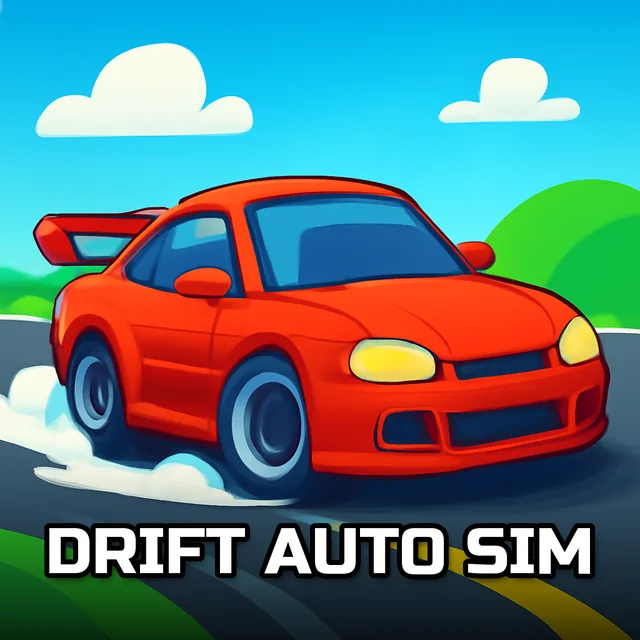
Drift Auto Sim
Instructions:
Use ARROW Keys to Ride SPACE Bar for handbrake C for changing camera view ESC is for pause menuDescription
Drift Auto Sim: A Beginner's Guide
New players should spend their first few minutes just getting a feel for how the car reacts to the handbrake before worrying about clean lines or long trails. Nobody drifts perfectly on their first lap, and this game leans into that learning curve rather than punishing you for it, letting you burn through a few practice runs before the real trick-chasing begins. Getting comfortable with when to release the throttle mid-slide matters more early on than memorizing any single track.
Control Scheme
- Arrow keys handle your steering, acceleration, and braking throughout every run.
- The space bar triggers your handbrake, the key input for kicking off a proper slide.
- Press C at any point to swap your camera view, useful for reading an upcoming corner.
- Hit Esc whenever you need to pause or back out to the main menu.
- Combine gentle throttle taps with handbrake pulls to hold a longer, more controlled trail.
Top Tips
Chaining several short drifts together tends to build a longer trail than one dramatic slide across an entire straightaway, and that trail length is really what separates a casual lap from an impressive one. New cars unlock as you rack up trail distance and clean runs, giving you a steady reason to keep improving instead of sticking with your starting vehicle indefinitely. Watching how each newly unlocked car handles differently before committing to it for a serious run also saves you from a nasty surprise mid-drift on a tighter section of track.