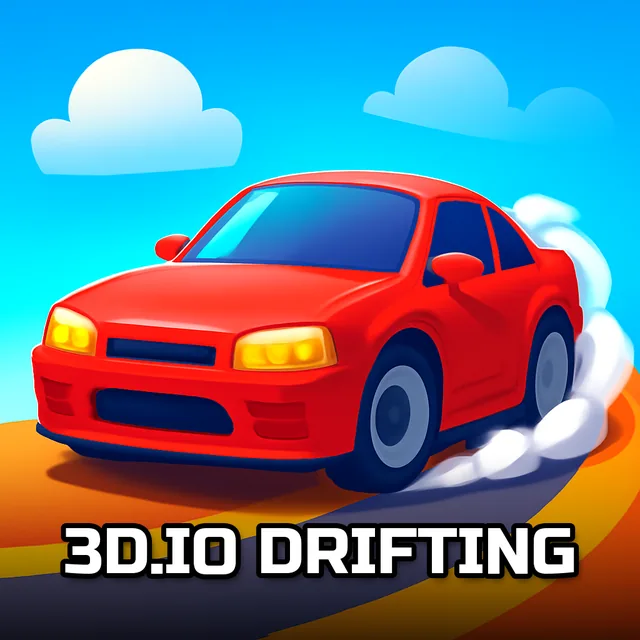
Mustang Drifting Auto Brain Teaser
Instructions:
Use mouse to play this html5 car gamesDescription
How To Play Mustang Drifting Auto Brain Teaser
➤Controller & Keyboard Guide
➤- Click and hold a piece with your mouse, then drag it to where you think it belongs.
- Release the mouse button to drop the piece into place.
- Rotate your approach by starting with the corners and edges before tackling the middle chunk.
- Zoom in mentally on the tire smoke and body panels of the Mustang to spot matching color patches.
- Pick a puzzle mode from the menu before you start scrambling pieces around.
- Take breaks between rounds if a 100-piece board starts frying your patience.
There's no plot here, no dialogue, nothing chasing you through a storyline. Just six photos of a Mustang mid-drift, tires screaming, smoke curling off the asphalt, frozen in that split second before the car straightens out again. The whole thing runs on a quiet, focused mood, like sitting at a kitchen table with a box of puzzle pieces dumped out in front of you, except the picture happens to be a muscle car doing something reckless. It's oddly calming for a game about controlled chaos, honestly.
➤Highlights
- Six separate images, all built around the same drifting Mustang theme, each one framed a little differently.
- Four difficulty modes per picture: 16, 36, 64, and 100 pieces, so beginners and puzzle veterans both get something to chew on.
- Runs straight in the browser through HTML5, no downloads or plugins needed before you jump in.
- Works fine on mobile too, so a quick puzzle session during a commute isn't out of the question.
- Simple mouse-only controls mean there's zero learning curve beyond drag and drop.
- A decent low-key way to sharpen focus and pattern recognition without any timer breathing down your neck.